
Instagram Fonts Generator for Bios & Captions
Style your Instagram bio with cursive, bold, and aesthetic fonts. Perfect for dates, names, and unique bios.
🕐 Recently Copied
Frequently Asked Questions about Instagram Fonts
How does the Instagram Fonts tool work?
Our Instagram Fonts tool (part of our Fancy Text Generator suite) converts your normal text into Unicode symbols. Since Unicode is a universal standard, these stylish fonts can be copied and pasted anywhere, including Instagram, Facebook, and gaming profiles.
Can I use this Fancy Text Generator for Instagram and Twitter?
Yes! You can use our Instagram Fonts to generate fancy text for Instagram bios, Twitter tweets, Facebook posts, and even gaming usernames.
Is the Instagram Fonts generator free to use?
Absolutely. Our Instagram Fonts tool and entire Fancy Text Generator platform is 100% free. You can generate unlimited cool fonts without any restrictions.
Why Trust Fancy Text Generator?
At Fancy Text Generator, we don't just "flip" characters. Our developers have deep expertise in the Unicode Standard. We manually audit every font map to ensure that the symbols we use are safe for modern browsers and won't cause "broken box" errors on major social platforms.
The Complete Guide to Instagram Fonts
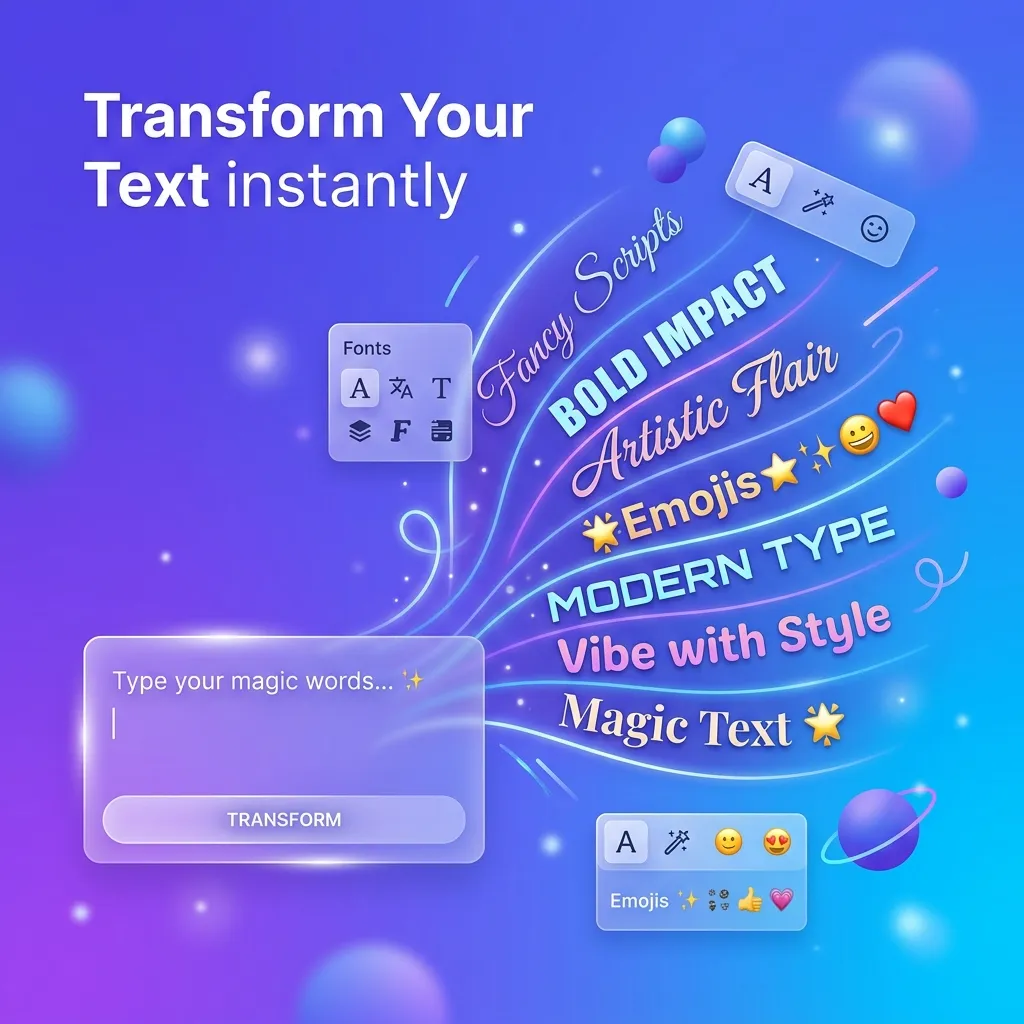
Your Instagram bio is often the first impression you make on potential followers, brands, and friends. In a sea of default text profiles, using a custom font is one of the easiest ways to stand out. Our free Instagram Fonts generator allows you to create aesthetic, stylish, and cute text that you can directly copy and paste into your IG bio, captions, and comments.
How Do Instagram Fonts Work?
Have you ever wondered how influencers get cursive or bold text in their bios when the Instagram app doesn't have a font button? They aren't actually using "fonts"—they are using Unicode characters.
Unicode is a universal computing standard that ensures text appears consistently across different devices. While your phone's keyboard only shows standard letters, the Unicode database contains tens of thousands of unique symbols, including characters that look exactly like cursive letters, bold text, and aesthetic symbols.
When you type your name or bio into our generator, it matches your standard letters to these highly decorative Unicode characters. Because Instagram reads these as standard text symbols rather than custom font files, it allows you to bypass its formatting restrictions. You just copy the generated text and paste it directly into your Instagram profile!
Best Font Styles for Your Instagram Bio
Aesthetic & Cursive (𝓁𝒾𝓀⥙ 𝓉𝒽𝒾𝓈)
Cursive fonts are elegant and flowing, mimicking handwriting. This style is incredibly popular among lifestyle bloggers, wedding photographers, and boutique brands who want their profile to project a soft, sophisticated, and aesthetic vibe.
Bold & Heavy (𝗹𝗶𝗸𝗲 𝘁𝗵𝗶𝘀)
Bold sans-serif Unicode characters are the best way to highlight your name or a specific call-to-action (like "Link in bio!"). Because they closely resemble standard bold formatting, they are extremely easy to read on mobile screens.
Spaced & Minimalist (l i k e t h i s)
Also known as "vaporwave" or full-width text, this style adds extra space between each character. It creates a highly modern, minimalist, and clean aesthetic that works perfectly for fashion influencers and indie artists.
Kaomoji & Cute Symbols (✨ 𝓁𝒾𝓀⥙ 𝓉𝒽𝒾𝓈 ✨)
Our generator also pairs your text with Japanese kaomojis, sparkles, and aesthetic brackets. These are fantastic for adding personality, emotion, and cuteness to your bio without relying solely on standard emojis.
Where Can I Use These Instagram Fonts?
- Your Name Field: Using a bold or cursive font for your actual Name (not your @username) helps you stand out in search results and DMs.
- Your Bio: Break up long text by using different fonts for headings. For example, bold the words "Location:", "Contact:", or "Website:".
- Instagram Captions: Use custom fonts to highlight important words in your captions, making them more engaging and scannable for your followers.
- Instagram Stories: While Stories have built-in fonts, pasting Unicode text gives you access to styles (like Double-Struck or Gothic) that aren't available in the app.
- Instagram Comments: Drop a stylized, aesthetic comment on a friend's post to instantly grab their attention.
Important Tips for Using Custom IG Fonts
While custom fonts look amazing, there are three important rules to follow:
1. Don't Overdo It: If your entire bio is written in a heavily decorated Gothic or cursive font, it becomes very hard to read. The best bios use fancy fonts sparingly—usually just for a name, a headline, or a specific keyword—while keeping the rest of the text standard.
2. Watch Your Character Limit: Instagram limits bios to 150 characters. Because some Unicode characters are mathematically complex, they can count as more than one standard character. If you find yourself running out of space, try using a simpler Unicode style.
3. Keep Accessibility in Mind: Screen readers (used by the visually impaired) often struggle to read decorative Unicode text. Never put crucial information (like your email address or business hours) in a fancy font. Keep the important details in standard plain text so everyone can read them.
Frequently Asked Questions
Will these fonts work on both iPhone and Android?
Yes! Because our generator uses the universal Unicode standard, the text will render correctly on virtually all modern smartphones, including iOS and Android devices.
Why do some characters look like boxes with X's in them?
If you see a box or a question mark (often called "tofu"), it means your specific device or operating system is outdated and doesn't support that particular Unicode character. Our generator prioritizes widely-supported characters to prevent this, but it can occasionally happen on very old phones.
Is the Instagram Fonts Generator free?
Absolutely. You can use our tool to generate unlimited styles, copy them, and paste them into your Instagram as many times as you like, completely free of charge.
Can I use these fonts on TikTok or Twitter?
Yes! Because this is standard Unicode text, you can paste these fonts into TikTok bios, Twitter names, WhatsApp statuses, Facebook posts, and even Discord server names.